 Bosch
 GE
 Honeywell
 Leviton
 Lutron
 Meross
 Miele
 Monogram
 Profile
 Samsung
 Sensi
 SmartThings
 Thermador
 TP-Link Kasa
 Café
 Haier
 Fisher & Paykel
 Mabe
 Siemens
 Neff
 Gaggenau
 Balay
 Constructa
 Pitsos
 Profilo

See it
The app, and a short video
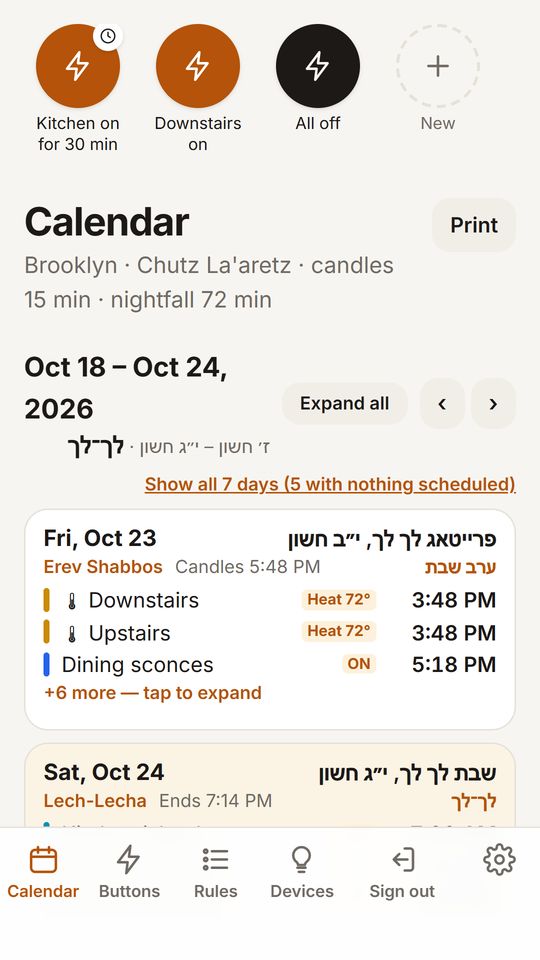
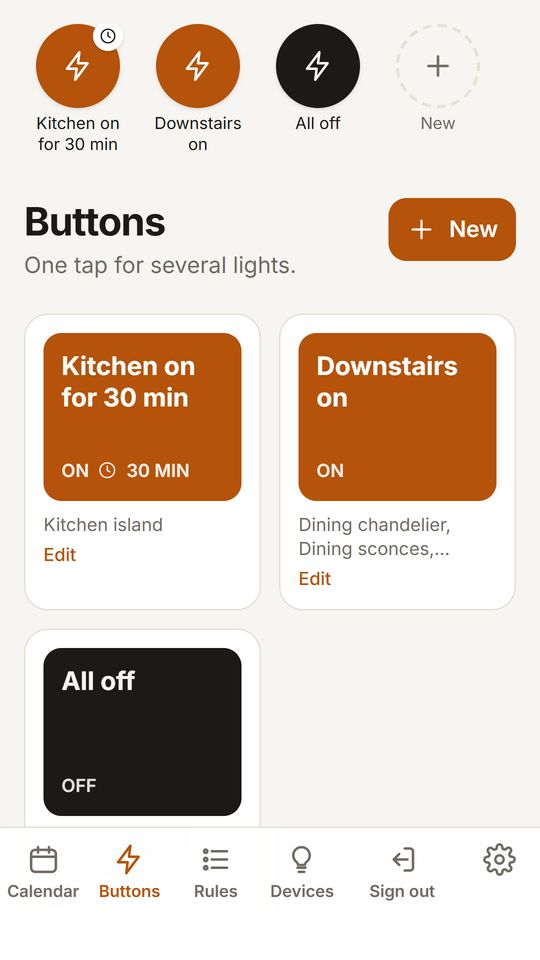
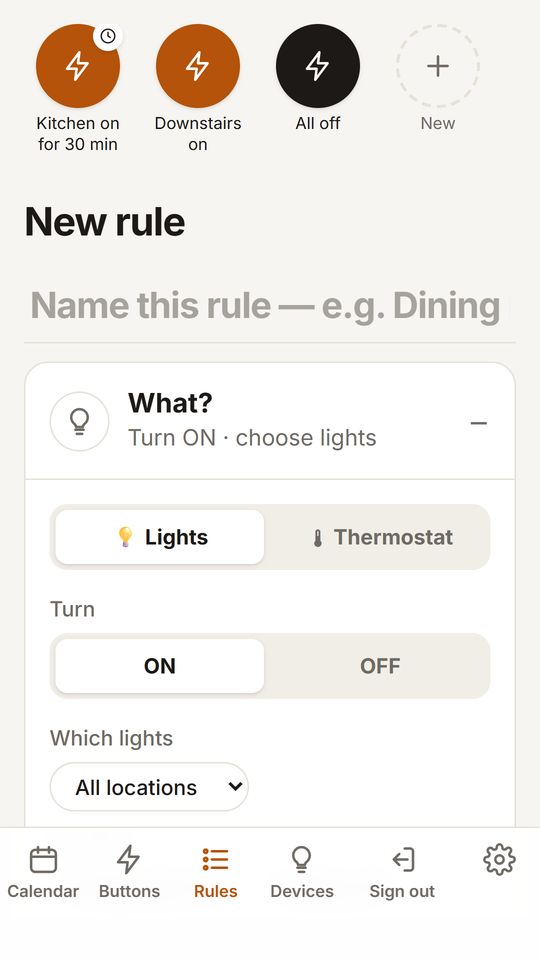
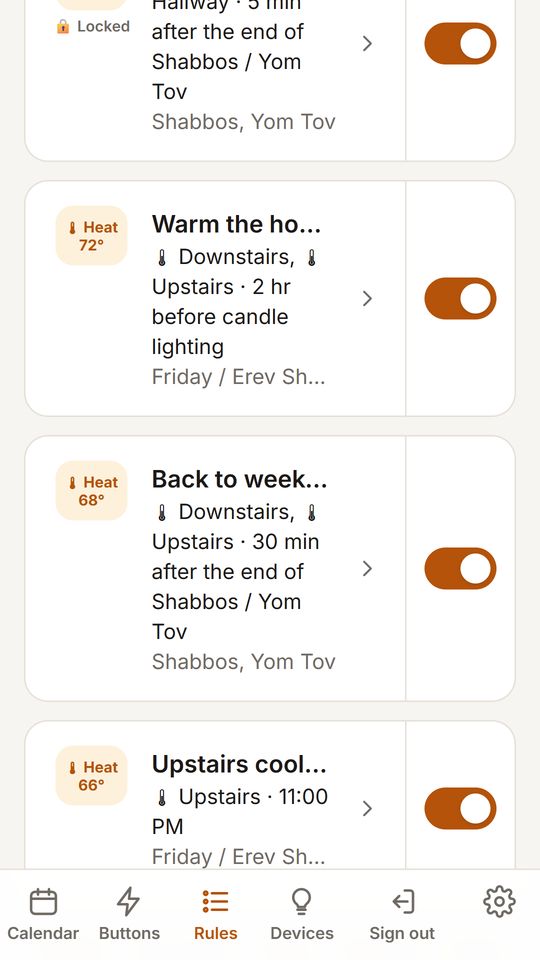
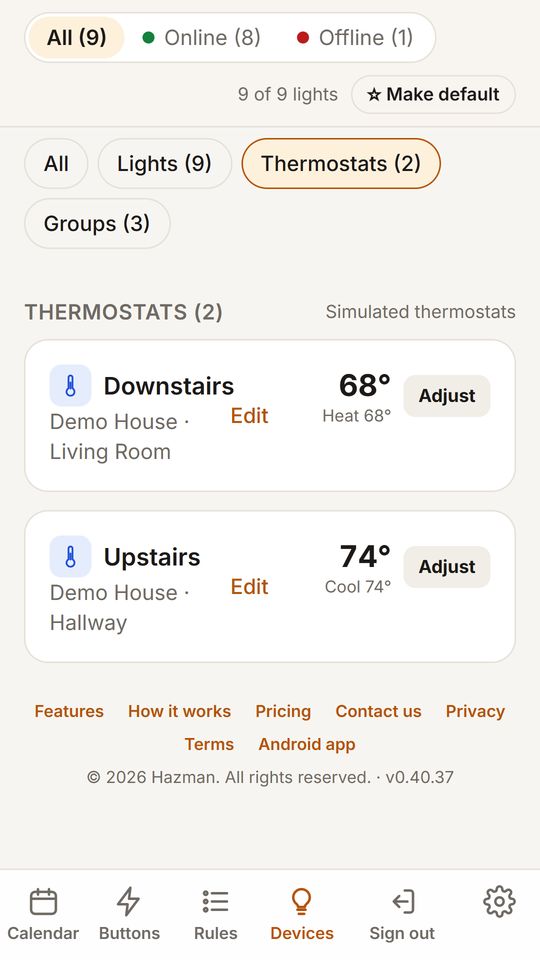
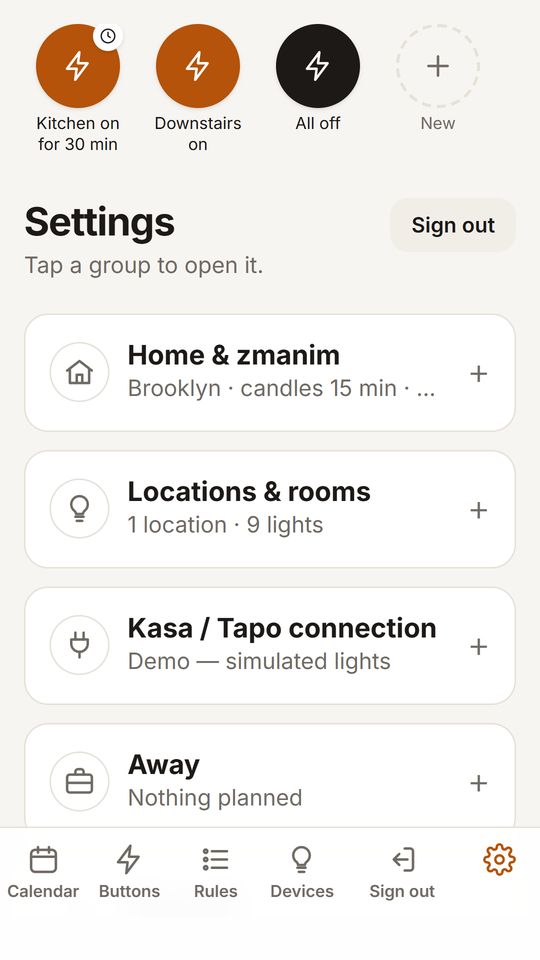
Your calendar
Hazman in 40 seconds
How it goes
Three steps, then it runs by itself
01
Connect what you have
Your switches, thermostats and appliances, through SmartThings, Miele or Home Connect. Nothing to rewire.
How to connect02
Make a rule once
“Dining room on 20 minutes before candle lighting, off at 11 PM.” Use any zman, a few minutes before or after it, or an exact hour.
Everything a rule can do03
Hazman runs it all year
Every Erev Shabbos and every Yom Tov, including two-day Yom Tov and Yom Tov next to Shabbos. Your phone can be off.
How it works
Why not a timer
A timer can't read a luach. Hazman can.
| When | Plug-in timer | Hazman |
|---|---|---|
| Winter Friday | Still goes on at 7:00 | ✓ Moves with candle lighting |
| Yom Tov on a Tuesday | Doesn’t know it’s Yom Tov | ✓ Follows your Yom Tov rules |
| Two-day Yom Tov | Set it again by hand | ✓ Planned for you |
| Someone flips the switch | Stays that way | ✓ Shabbos lock can put it back |
See every time a year ahead on the calendar, in English and Yiddish. All features
Questions
Questions people ask
Does my phone have to stay on?
No. The schedule runs on Hazman's servers, so your phone can be off or away. There's no extra box to buy.
What if someone flips a wall switch on Shabbos?
The Shabbos & Yom Tov lock puts a light back once — and if it's switched again right after, leaves it that way. You choose it for each rule or light.
What does it cost?
Completely free — no limits — until November 22, for our grand opening. No card needed. See pricing.
Have an internet filter?
✓ Meshimer & Geder: Hazman and SmartThings are already open for all Meshimer and Geder users — no need to ask.